Keeping Business Cards On-Brand Across a Team or Franchise Network
By Wholesale Business Cards Editorial Team | Published | Bulk Ordering
A practical approach to brand consistency for team and franchise business cards: one approved design, locked elements, an approval step and rules for what each person can edit.
To keep business cards on-brand across a team or franchise network, approve one master design, lock the elements that must never change, and decide which profile fields individuals may edit. Order cards as one batch against that design, route every new card through the same sign-off, and review profiles periodically so the brand stays consistent after launch.
Brand drift happens quietly. One branch orders its own cards from a local printer, a franchisee adds a different logo, a salesperson changes the colours on their profile. Each change is small; together they make the network look like several companies. This guide covers how marketing, operations and franchise teams can keep cards consistent when ordering bulk NFC business cards. It supports our procurement checklist for bulk business card orders.
Two layers of brand consistency
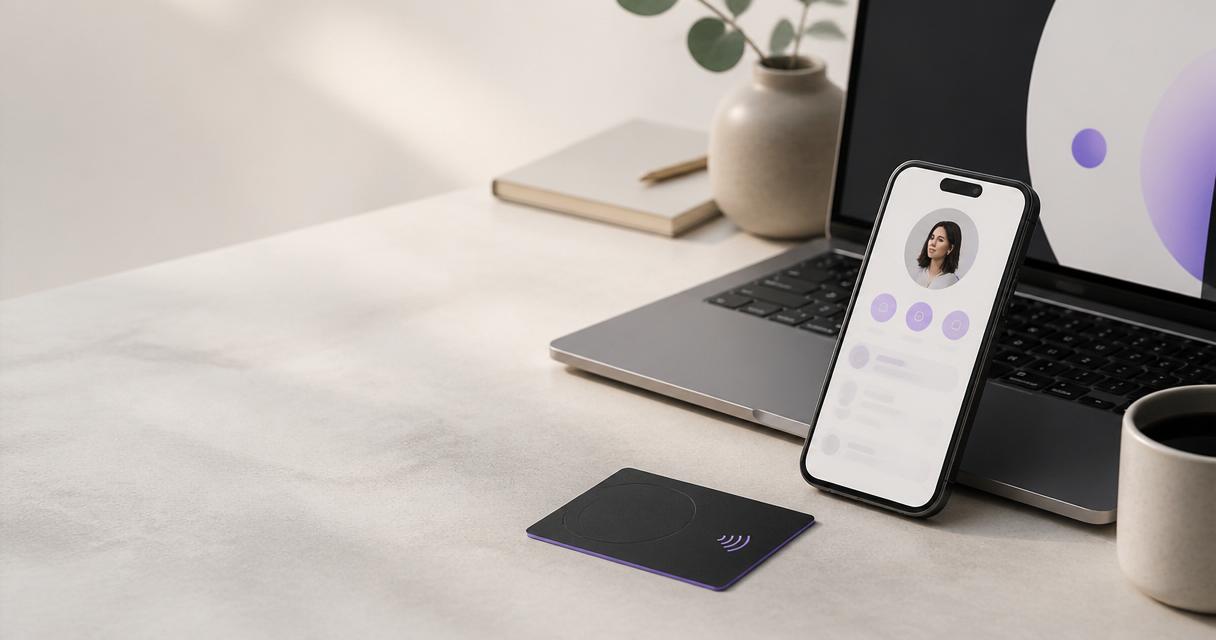
Smart business cards have two parts that both need to be on-brand:
- The physical card. The printed or engraved face: logo, colours, layout, finish and material.
- The digital profile. The page that opens when someone taps the NFC chip or scans the QR code: photo, title, contact details, links and colours.
Paper cards only have the first layer. With smart cards, the second layer is where most drift happens, because profiles can be edited after delivery. That flexibility is useful — it is what makes managing cards when staff join or leave simple — but it needs rules.
Start with one master design
Agree the master
Produce one card design for the whole team or network and get it signed off by whoever owns the brand. For a franchise, that is usually the franchisor's marketing team rather than each franchisee.
Lock the fixed elements
Write down what may never change between cards:
- Logo, its size and position
- Brand colours and finish (for example PVC, brushed metal or wood)
- Layout and typefaces
- Position of the QR code
Define the variable elements
Decide what may differ between cards. For a team this is usually name and title. For a franchise network it may also include the branch or territory name. Keep the variable list short.
Use templates for variants
Larger organisations rarely need just one design. Typical variants are:
Variant | Example | What changes
Role | Leadership on metal cards, staff on PVC | Material and finish only
Region or branch | Franchise territories | Branch name or address
Sub-brand | A group with several trading names | Logo, within group guidelines
Customer-facing locations | Tills and receptions | Google review cards and stands in the same brand style
Treat each variant as a template derived from the master, approved once, and reused for every reorder.
Set profile rules
The profile is where people are most tempted to personalise. Decide centrally:
- Which fields every profile must include (for example company name, role, work email).
- Which fields are optional (personal LinkedIn, booking link, photo).
- Which fields are not allowed (personal social accounts on a corporate card, for instance).
- Who can edit profiles: the individual, a manager or a central admin.
Profiles are managed from one dashboard, so an admin can cheque them in one place. For teams that start with team digital business cards before physical cards, the same rules apply from day one.
Build an approval step
Consistency depends on every new card going through the same path:
- Request. A manager or franchisee asks for cards using a short form: names, roles, branch, card type.
- Check. Brand or operations confirms the request uses an approved template.
- Order. Cards are requested centrally through the bulk pricing enquiry, against the recorded specification.
- Proof. The proof is checked against the master before production.
- Set up. Profiles are created using the agreed field rules.
Ordering centrally matters for franchises. When franchisees source cards locally, the master design is usually the first thing to slip.
Franchise networks: extra considerations
- Ownership. Agree whether the franchisor or franchisee owns each profile, and what happens to it if a franchise changes hands.
- Territory details. Keep branch names, addresses and opening hours accurate on each profile; customers notice when they are wrong.
- Review collection. If branches collect reviews, make sure each review card or stand points to the right branch listing.
- Onboarding pack. Give new franchisees the master design, the profile rules and the ordering route as part of their launch pack.
Our franchise programme page explains how partners work with us.
Review regularly
Brand consistency is not a one-off task. Set a regular cheque:
- Spot-cheque a sample of profiles against the field rules.
- Confirm leavers' cards have been updated or re-pointed.
- Check that recent reorders match the master.
- Update the master when the brand changes, and plan how existing cards will be handled.
Common mistakes
- Approving the card face but not the profile. The profile is what most recipients see.
- Too many variants. Every extra template is another thing to keep consistent.
- Local ordering. Branches buying their own cards outside the agreed route.
- No record of the specification. Reorders that do not match the original batch.
Frequently asked questions
How do we stop staff changing their profile design?
Set field rules and decide who has edit rights. Profiles are managed from one dashboard, so an admin can review and correct them centrally.
Can different branches have different details on the same design?
Yes. Keep one master design and allow only defined variable elements, such as the branch name, to change between cards.
Can leadership and staff have different card materials?
Yes. Material and finish can be a template variant while the layout and branding stay the same.
How do franchisees order cards that match the network?
Route all orders through one central request and the bulk pricing enquiry, using the approved template and recorded specification.
Do review cards and stands need to match business cards?
They do not have to, but using the same brand style across business cards, review cards and stands makes a network look consistent to customers.
Related guides
- Ordering business cards in bulk for your team: a procurement checklist
- Managing business cards when staff join or leave
- How to roll out smart business cards to a team: a 30-day plan
Next step
Once your master design and profile rules are agreed, request bulk pricing for the whole team or network in one order, or browse the full product range to choose finishes and display products.