NFC Business Cards for Real Estate Brokerages and Agency Offices
By Wholesale Business Cards Editorial Team | Published | Updated
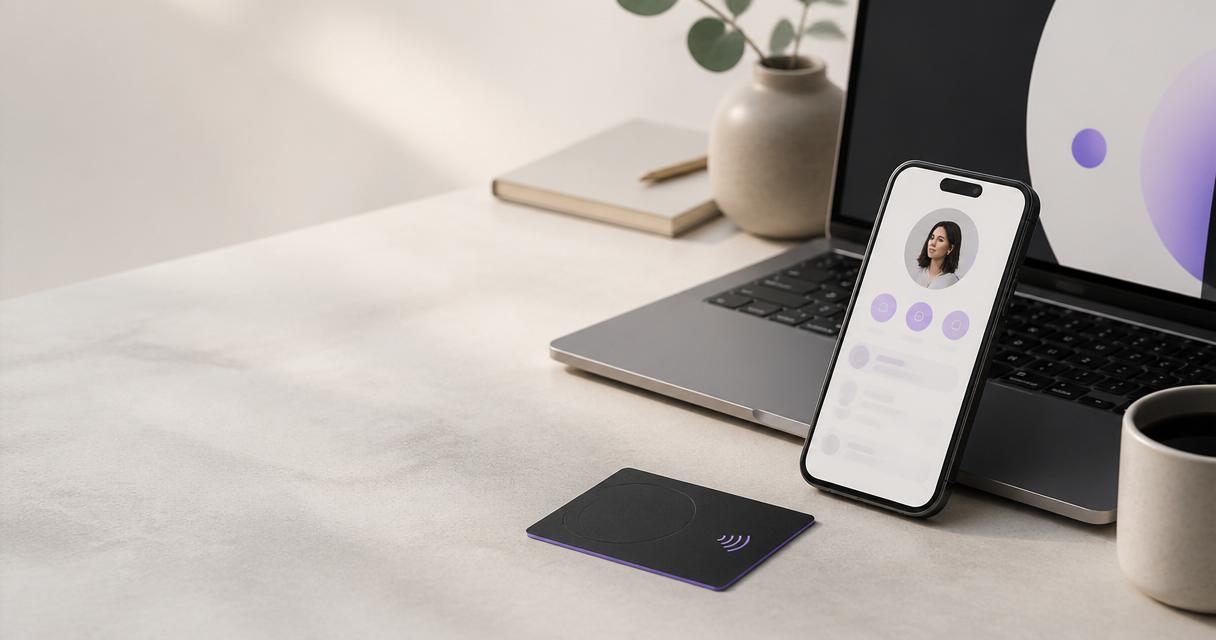
Estate agency offices and brokerages hand out cards at every valuation, viewing and open house. Their teams also change more often than most: agents join, move branch or go independent, and listings change every week. This guide covers how to order NFC business cards for a whole office: office branding versus agent branding, linking listings and booking pages, handling agent turnover and using cards at open houses. It is one of the guides behind our procurement checklist for ordering business cards in bulk.
Ordering for a whole office
A brokerage order works best as one batch for the whole office, rather than each agent ordering their own. One request gives one quote, one proof round and one invoice, and every card matches.
Before the request, collect:
- The list of agents, managers and administrators who need cards.
- The finish for each group, for example PVC for agents and metal for branch managers.
- The office logo and brand files.
- The delivery address for each office.
- The date the cards are needed, such as a branch opening or a new season.
The real estate business card page covers cards for estate agency offices. Our guide on how to request a bulk business card quote lists the details to send.
Office branding or agent branding
Brokerages balance two brands: the office and the individual agent. Decide which leads before you design.
- Office-led. The office logo and colours dominate the card. Agents' names and titles vary. Profiles open with the office details and the agent's contact below. This keeps the brand consistent and suits offices where clients deal with the firm rather than one person.
- Agent-led. The agent's name and photo are prominent, with the office logo as an endorsement. Profiles lead with the agent. This suits offices where agents build their own following.
Either way, keep one master layout so the cards still look like one office. Our guide to keeping business cards on-brand across a team or franchise explains how to lock the fixed elements.
| Office need | Card set-up |
|---|---|
| One consistent office brand | One master design; agents' names and titles vary |
| Agents known personally | Agent photo and name lead the profile, office logo kept |
| Current listings | A listings page link at the top of each profile |
| Viewings and valuations | A booking link on each agent's profile |
| Open houses | A property-specific link added for the event, removed after |
| Agent turnover | Profile changed to the office or a successor on the last day |
| Several branches | Branch name and address on each profile; one design for all |
Profile rules for agents
Agents often want to make their profile their own. Agree the rules before set-up:
- Required: agent name, title, office name, direct line and work email.
- Allowed: a photo with consent, a booking link, the listings link and one area guide.
- Not allowed: links to other agencies, unapproved fees or personal listings outside the office.
- Who edits: agents update their phone and booking link; the office manager changes titles, branches and the company section.
Put the rules in the office's card policy and in the induction pack for new agents, and check a few profiles against them each quarter.
Linking listings and booking pages
The profile is where an NFC card earns its place in property. A client who taps an agent's card should be one step from what they need:
- Listings. A link to the office's current listings page, placed first. Profiles support links and visibility and order controls on the Brand Presence plan, so the listings link can sit at the top.
- Booking. A link to book a viewing or valuation. Appointment booking is part of the Business Add-ons plan.
- Documents and gallery. A brochure or a few photos of the area, on the Brand Presence plan.
- Contact capture. On the Business Add-ons plan, a client who opens the profile can leave their details through contact lead capture or a form.
Link to the office's listings page rather than to individual properties. Listings change weekly, and a link to the page stays correct while the stock moves.
Valuation and viewing follow-up
A valuation visit often ends with the homeowner holding the agent's card and comparing several agencies. The profile is what they look at that evening. Make sure it shows the agent's direct line, the office's listings and a clear way to book the next step. If the office uses the Business Add-ons plan, leads from the profile form appear in the dashboard; agree who checks them each day. A homeowner who leaves their details and hears nothing for a week has usually chosen someone else.
Open houses
Open houses bring many visitors in a short time, and many will want details for later. Two ways to use the cards:
- Agent cards. The agent taps visitors' phones or lets them scan the QR code. Add a link to the property's page at the top of the agent's profile for the day, then remove it.
- A counter card for the property. A spare card set up with a property or office profile, left on the table for visitors to scan.
Collect any visitor details through the profile form where the Business Add-ons plan is in use, and agree who follows them up the same evening.
Agent turnover
Agents moving on is a normal part of property work, and it is where paper cards cause most trouble. A leaver's paper cards stay in clients' drawers with their mobile number on them. With NFC cards:
- On the agent's last day, change their profile to the office profile or the successor.
- Remove personal details, such as a photo or personal mobile, straight away.
- Agree who takes over the agent's leads before they leave.
- Collect the card if names are not printed, so it can be reused.
Our guide to managing business cards when staff join or leave covers the full leaver process. Agent photos and mobile numbers need clear consent; our staff data protection checklist for a card order covers that.
Who looks after the cards in an office
Name one person per office, usually the office or branch manager, to handle card requests, profile changes and leavers. They keep the register for their office and send reorders through the central route. In a single-office agency, that person can also own the design and the policy. Our guide on who should own company business cards has a RACI table you can adapt.
Reorders between seasons
Property hiring is often seasonal. Rather than ordering a card each time an agent joins, collect starters and reorder in top-up batches against the original specification. Keep a few spare cards if names are not printed, so a new agent can start with a card on their first day. Set up each new agent's profile before their first day, so they can share their details at their first valuation.
Brokerages with several branches
Multi-branch brokerages should keep one design and one ordering route for every branch, with branch details on each profile. Our guide to business cards for multi-location businesses and branches covers central and branch responsibilities.
Common mistakes in brokerage card orders
- Each agent orders their own. The office ends up with several designs and no record.
- Links to single properties. The card points at a sold house a month later.
- No leaver step. Clients call an agent who has moved to a rival office.
- Agent photos without consent. Ask first, and remove them when the agent leaves.
- No open-house plan. Visitors leave without details and the follow-up is lost.
- Leads with no owner. Nobody follows up the valuation enquiries from a leaver's profile.
Frequently asked questions
Should each agent order their own cards?
It is usually better to order for the whole office in one batch. You get one quote, one proof round and one invoice, and every card matches.
Office logo or agent photo: which should lead?
Decide by how clients choose you. If they choose the office, lead with the office brand. If they choose the agent, lead with the agent and keep the office logo.
Can a card link to our property listings?
Yes. Put a link to the listings page at the top of each agent's profile. Link the page rather than single properties so it stays correct.
Can clients book a viewing from the card?
Yes, with appointment booking on the Business Add-ons plan, or with a link to your existing booking page.
What happens to an agent's card when they leave?
On their last day, change the profile to the office or a successor, remove personal details and agree who takes over their leads.
Can we use the cards at open houses?
Yes. Add the property's page to the top of the agent's profile for the day, or leave a spare card with a property profile on the table.